
Skill Clash
Entertainment
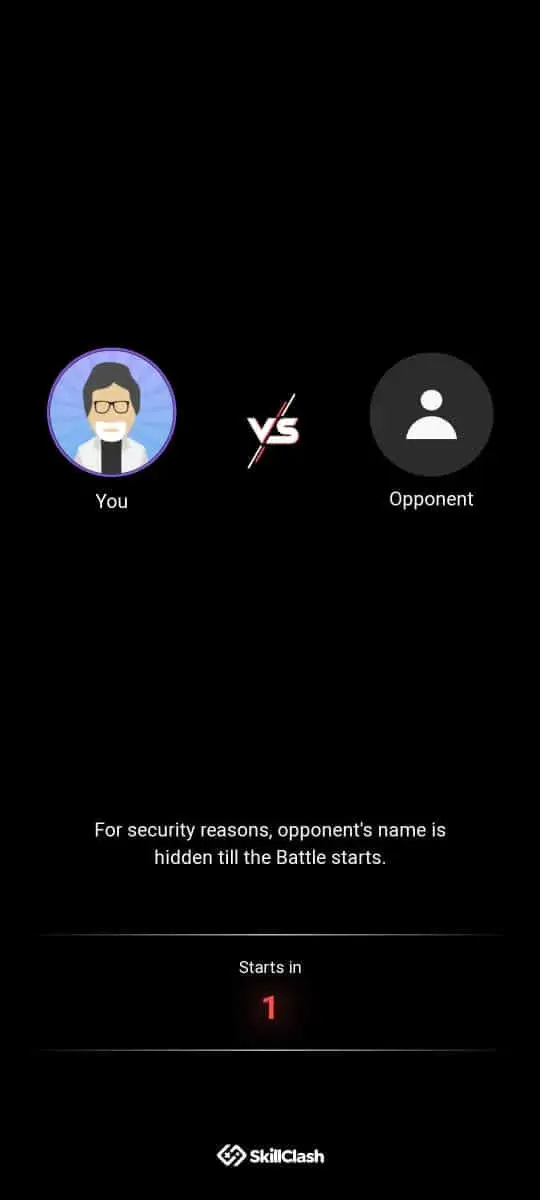
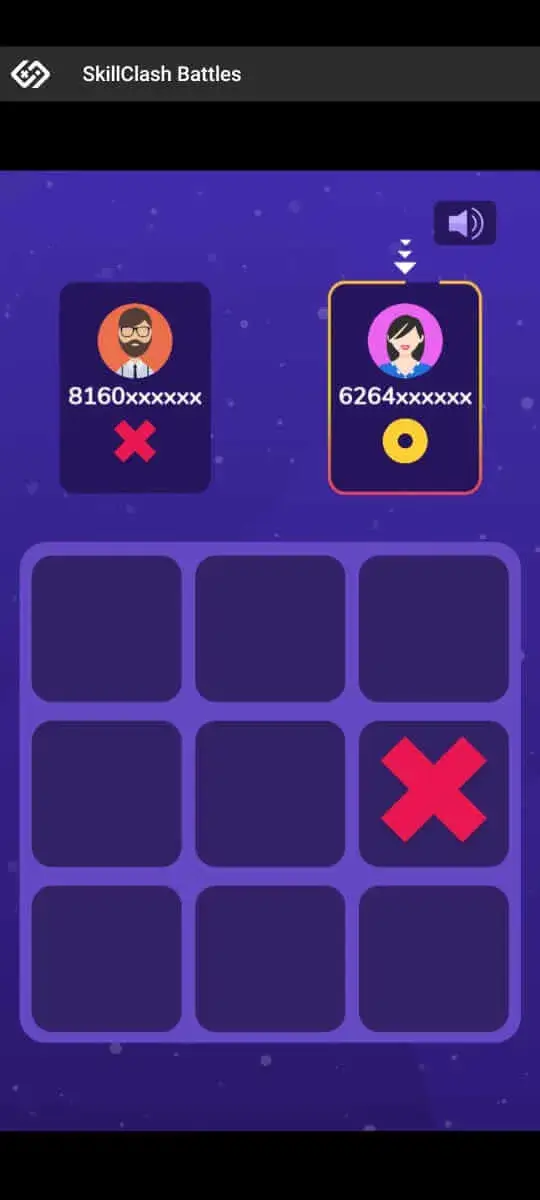
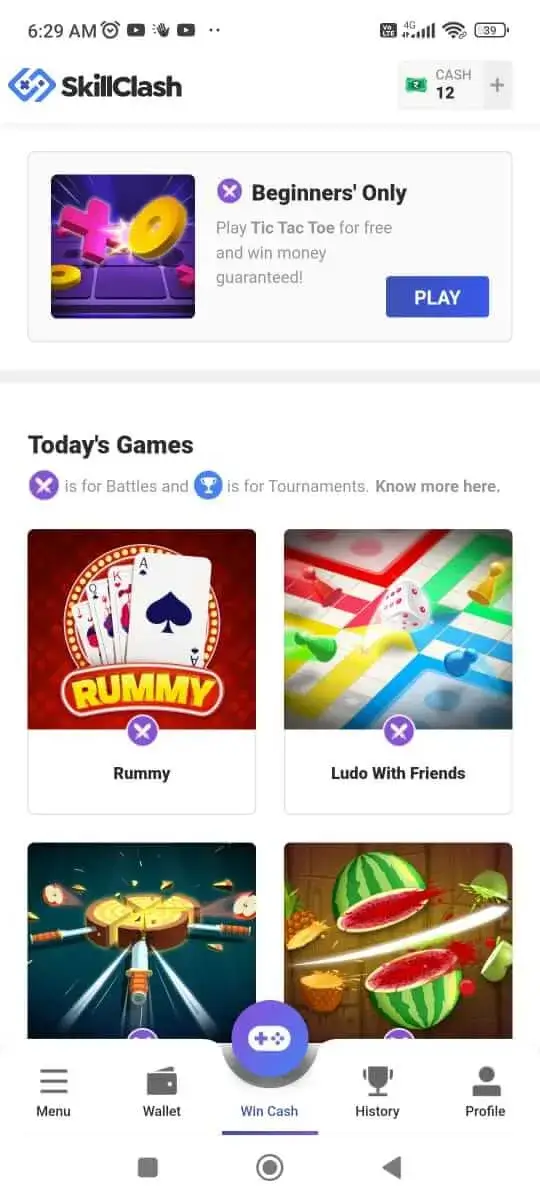
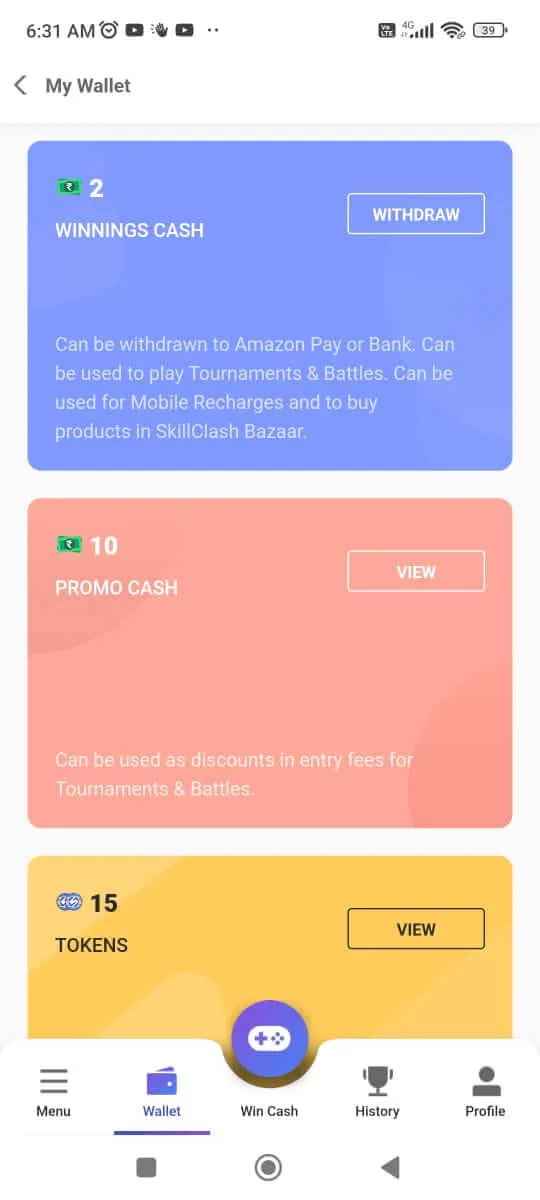
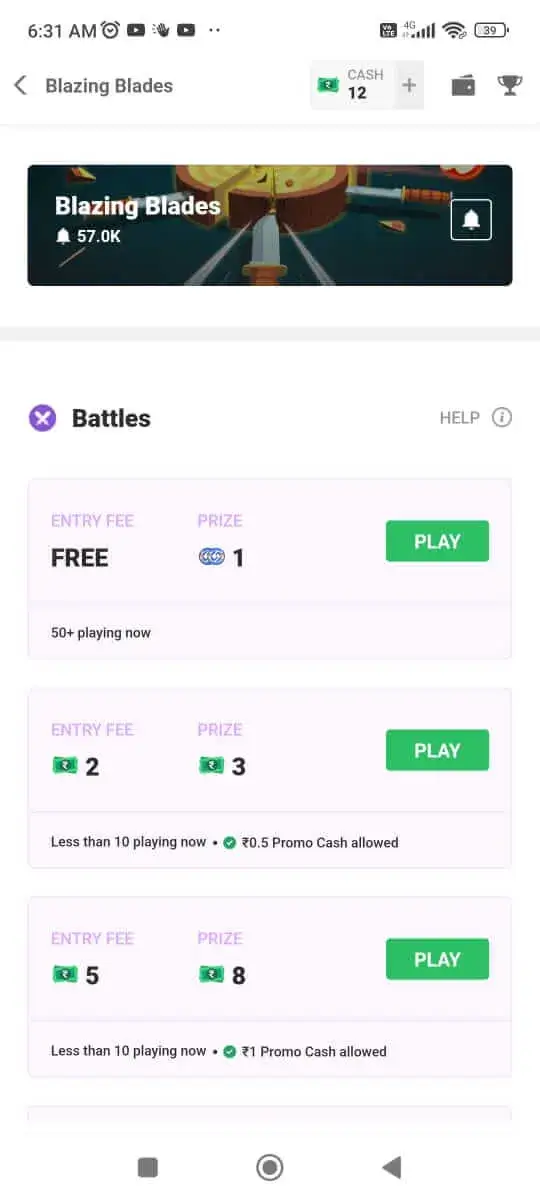

Skill Clash is an Android entertainment app that bundles a collection of quick mini‑games. Each game is designed for short, casual sessions, and the app rewards you for completing challenges or achieving high scores.
This page gives you the latest version details, a step‑by‑step install guide, and practical tips for a smooth experience.
Quick Information
| App/Game Name | Skill Clash |
| Latest Version | 1.2 |
| Developer | Not listed |
| Category | Apps / Entertainment |
| App Size | 7.02 MB |
| Package Name | com.skillclash |
| Last Updated | 16 January 2026 |
What Is Skill Clash?
Skill Clash lets users dive into a variety of mini‑games ranging from puzzles to reflex‑based challenges. The core idea is simple: play, score points, and exchange those points for in‑app rewards such as virtual currency, gift cards, or other bonuses offered within the app.
The app targets casual gamers who enjoy short bursts of gameplay without a steep learning curve. It does not replace full‑featured games; instead, it serves as a quick‑play hub for earning occasional perks.
Compatibility
| Android Version | Not Verified |
| Architecture (ARM64 / 32-bit) | ✓ Verified — Supports common device architectures |
| Internet Connection | ✓ Verified — May be required for ads, updates, or login |
| Storage Needed | Not Verified |
| OBB/Data Files | Not Verified |
| Root Required | Not Verified |
How to Install
- Enable Install unknown apps for the browser or file manager you’ll use (Settings → Apps → Special access → Install unknown apps).
- Download the Skill Clash APK file to your device.
- Open the downloaded file and tap Install.
- Once installation finishes, launch the app from your app drawer.
- Follow the on‑screen setup to create an account or sign in.
Troubleshooting
- App not installed: Ensure you have enough storage space and that the APK matches your device’s architecture (ARM or ARM64). Also verify that unknown sources are enabled.
- Crashes on startup: Clear the app’s cache (Settings → Apps → Skill Clash → Storage → Clear cache) or reinstall the latest APK.
- Rewards not showing: Log out and back in, and make sure you have a stable internet connection. Some rewards may require a brief processing period.
- Login or verification issues: Double‑check your email address or phone number, and ensure you’re not using a VPN that might block the app’s servers.
Safety & Security
Skill Clash is a standard Android package. As with any third‑party APK, download it from a reputable source and scan the file with an antivirus app before installing. Review the permissions the app requests; it should only need access to storage for saving game data and network access for online rewards.
Because the app involves reward redemption, avoid entering sensitive personal or financial information unless you are confident the app’s servers are legitimate. Keep the app updated to receive security patches and new features.
How Skill Clash Compares
| Feature | Skill Clash | Google Play Games | HQ Trivia | Skillz |
|---|---|---|---|---|
| Price / Free model | Free with optional in‑app purchases | Free (offers in‑app purchases for themes) | Free (live trivia, occasional ads) | Free to play, revenue share from tournaments |
| Platform availability | Android only | Android & iOS | Android & iOS | Android & iOS |
| Standout feature | Collection of quick mini‑games with reward system | Central hub for many mobile games | Live, scheduled trivia contests | Competitive multiplayer tournaments |
| Best for | Casual players seeking short sessions and rewards | Gamers looking for a unified game library | Trivia enthusiasts who enjoy live competition | Players who want skill‑based esports on mobile |
Alternatives
If you enjoy the mini‑game concept but want a different experience, consider these options:
- Google Play Games – A comprehensive hub that aggregates many Android games, tracks achievements, and offers cloud saves.
- HQ Trivia – Live trivia sessions where you can win cash prizes by answering questions correctly in real time.
- Skillz – A platform that hosts competitive tournaments across various casual games, letting you earn cash rewards based on skill.
- Mini Game World – A collection of arcade‑style mini‑games with leaderboards and simple controls.
Final Verdict
Skill Clash is a lightweight, free app that delivers quick, reward‑based mini‑games for casual Android users. It works well on most modern devices, but it does not replace full‑featured games. Before installing, verify the APK’s source, grant only necessary permissions, and keep the app updated. If you enjoy short gameplay bursts and the idea of earning small rewards, Skill Clash is worth a try.
Frequently Asked Questions
Download the APK only from trusted sites and scan it with an antivirus app before installing. Review the permissions it requests and avoid providing sensitive personal data.
The app is listed as compatible with recent Android versions; it should run on Android 15, but you may need to ensure you have the latest APK version.
A connection is required for logging in, syncing rewards, and accessing some game features, though many mini‑games can be played offline.
You earn points by completing games or achieving high scores. Points can be exchanged within the app for virtual currency, gift cards, or other offered bonuses.
If you already have a Play Store version, uninstall it first, then install the APK to avoid conflicts.
Check that unknown sources are enabled, verify the APK matches your device’s architecture, and ensure there is enough free storage.
No additional OBB or data files are required; the entire app is contained within the single APK.
The app is free to download and play, but it may offer optional in‑app purchases for extra features or faster reward redemption.